-
CNC Simulator
Plan, program and check using digital twins
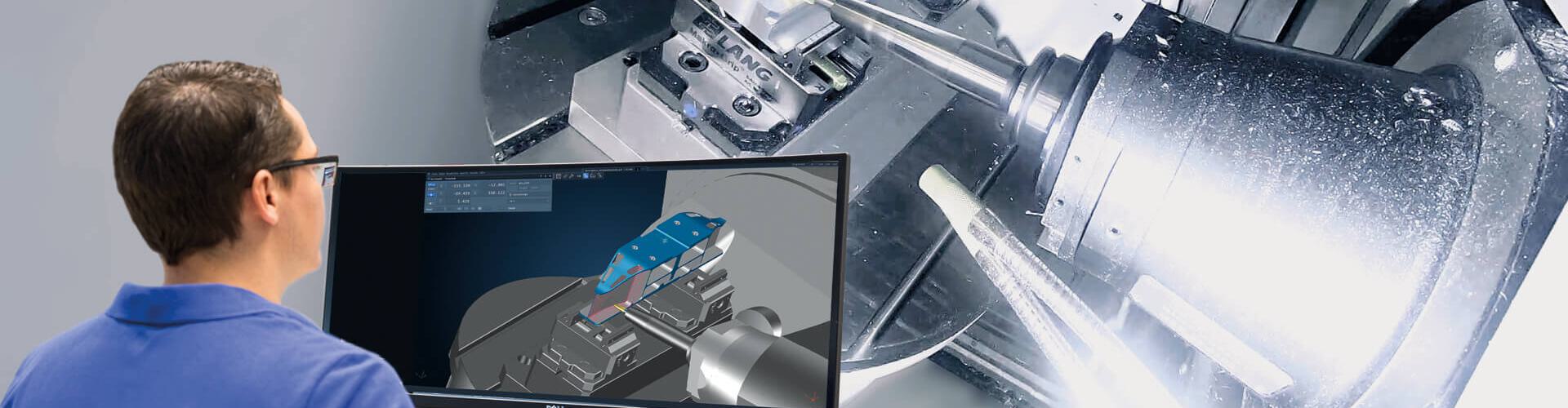
The Tebis CNC Simulator lets you fully plan, program and check your NC machining operations with all components in the Tebis NC programming environment. Prerequisite: All machines, tools, units and clamping devices are stored with components on a one-to-one basis as digital twins in the virtual manufacturing environment. This enables the detection and correction of potential collisions and limit switch problems before NC output. Synchronization with the postprocessor or networking with the machine are not necessary. Time-consuming and cost-intensive approach processes are eliminated. Use Tebis simulation technology to lay the foundation for multi-machine operation and reduced-personnel manufacturing.
Maximum reliabilityPlan, program, check and correct using digital twins.Directly in the CAM environmentControl and check the machine with all limitations, traverse paths and kinematics right in the NC programming environment.Optimal machine utilizationPrecisely calculate machining times.Digital twins for maximum process reliability
All of the components in your special manufacturing environment can be realistically stored in virtual process libraries in Tebis. The machine library includes over 1,400 virtual machine models from different manufacturers in 3,700 variants. The entire range of common machine controls and common machine types are supported: This also includes complex multi-axis machines and multi-function machines, including turning/milling machines, lathes with main and secondary spindles, deep drilling machines and robots with additional axes. We digitize your individual adaptations directly on site. We create and approve postprocessors and virtual machine models.
All tool assemblies can be represented with absolute precision in the tool library, including HPC cutters and circle-segment cutters with all holders. And of course, zero-point clamping systems and units such as jaw chucks, study rests and tailstocks are fully accounted for. This is what makes the checking and correction of toolpaths before NC output so reliable: The completeness of the libraries and the high degree of detail of the digital twins.
Reliable calculation and planning
Get started right away with suitable tools, setups and tilt directions
You select the suitable machines, machine heads, clamping devices, shuttle tables, units and tools from your available resources. You can define any reference points, the values for which can be transferred for the setups in NC programming. You know the total number of necessary machining operations. And you can detect and prevent collisions before even starting NC programming. This is done by moving the tool along critical part areas – such as cavities, deep holes and undercuts – directly on the virtual machine with a special planning function and having the system display potential collisions. The CNC simulator is so precise that, right from the start, you can carry out planning using the shortest tools possible. This enables you to benefit from high feed rates in manufacturing.
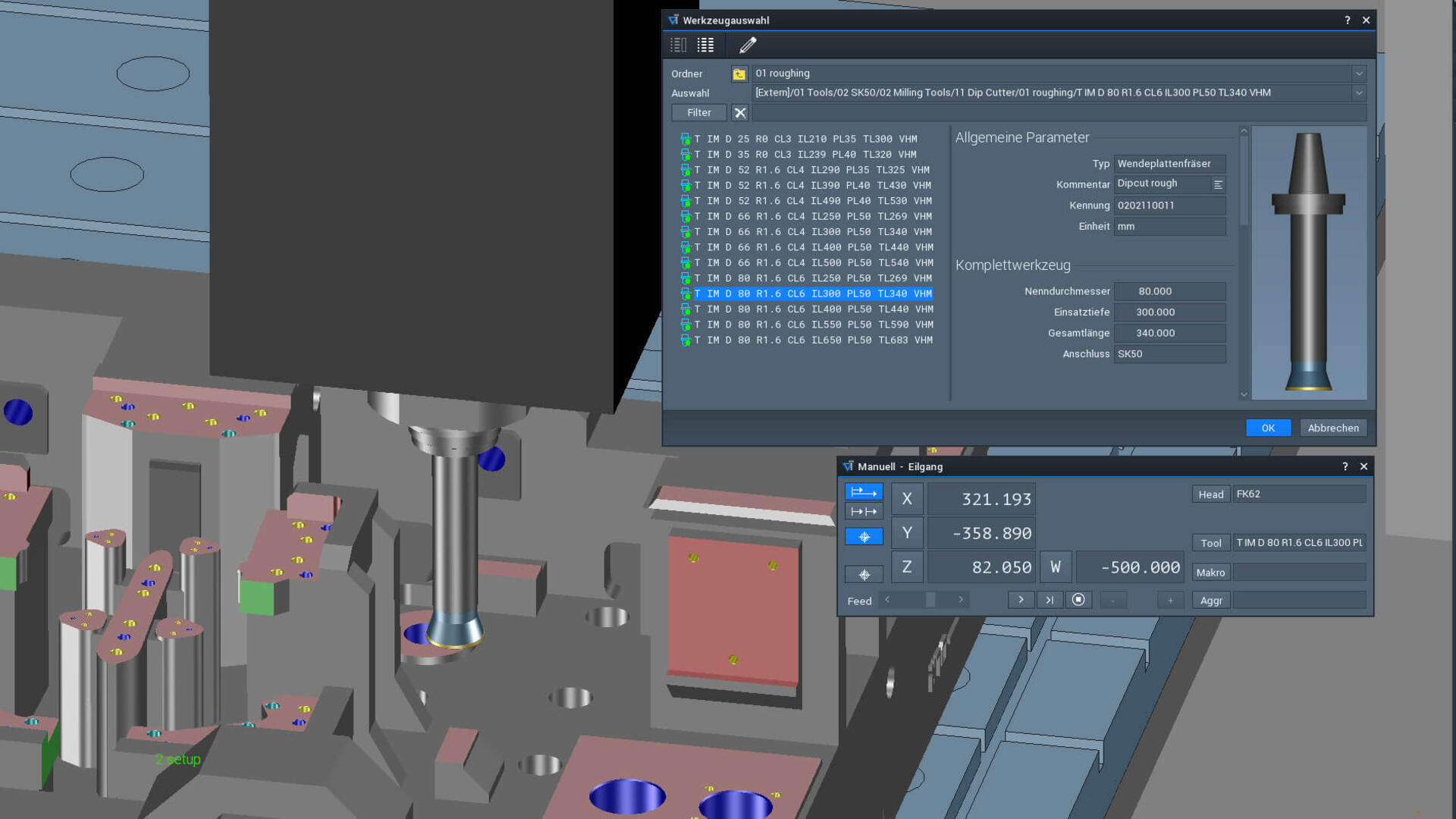
Use the tool library from the planning phase and select tools with appropriate programming length.
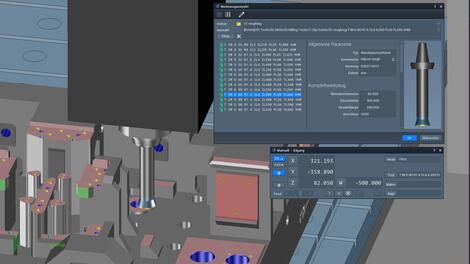
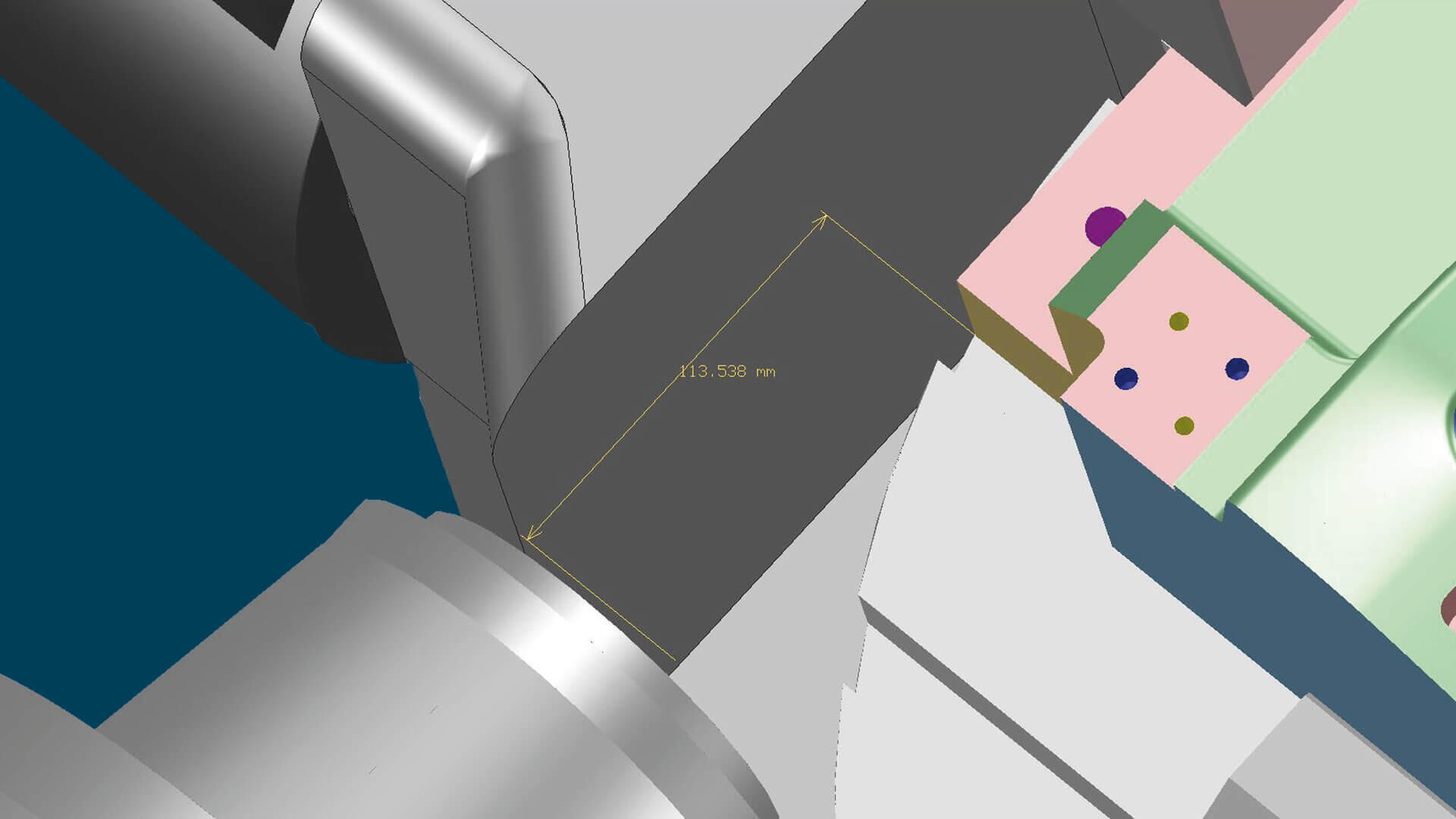
The analysis functions show distances and angles between part and machine components. Tilt axis systems are easily defined with a click of your mouse.
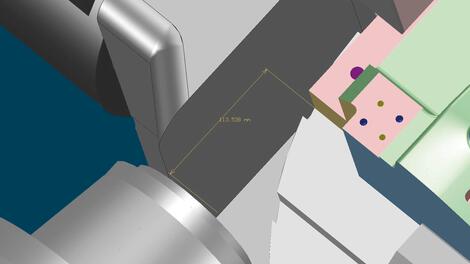
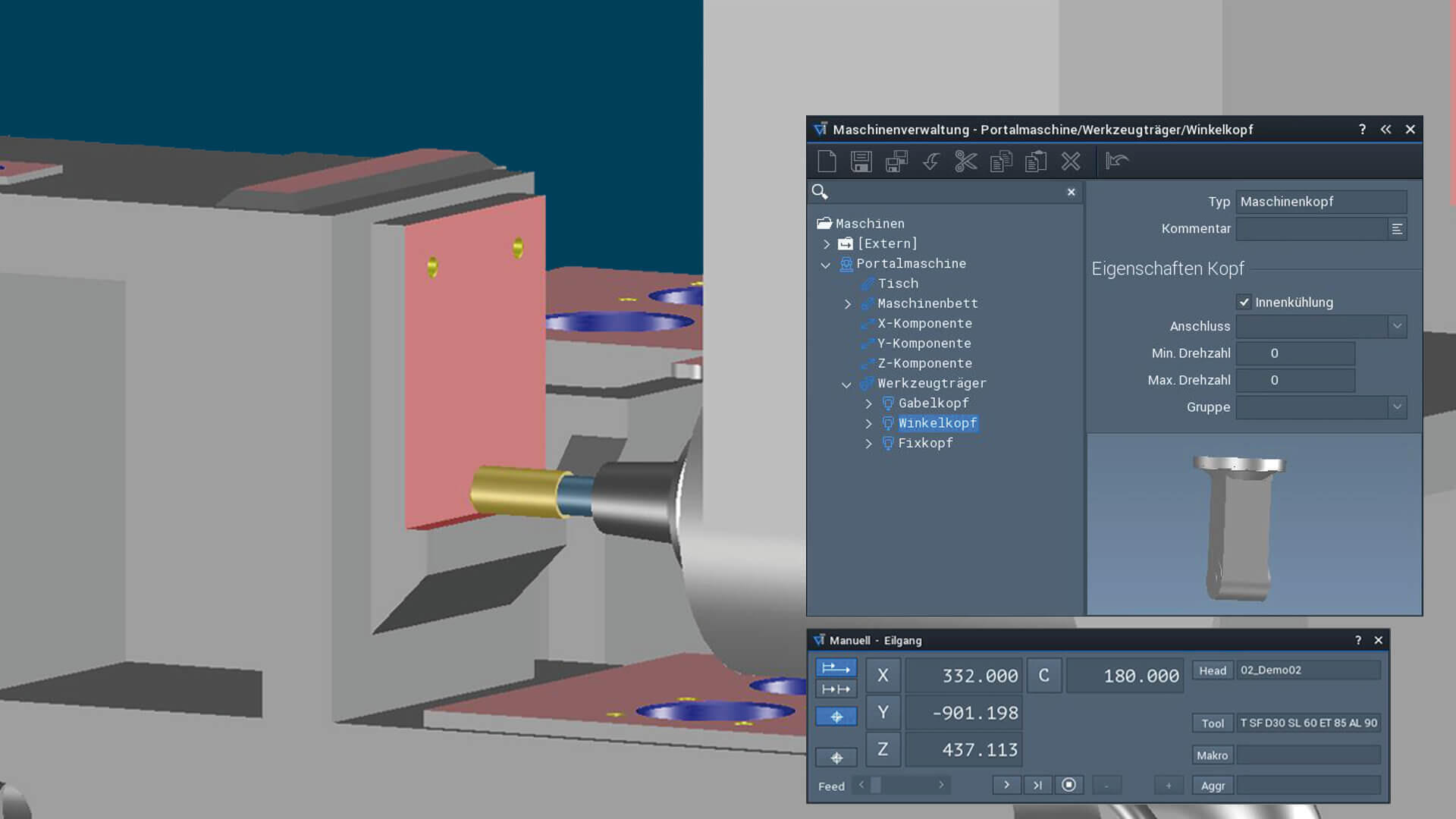
Collisions between the part and machine head can also be detected at an early stage and prevented by changing heads.
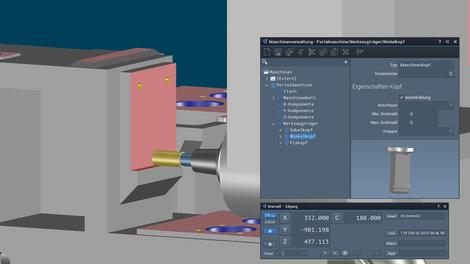
Program, check and optimize for reliable processing
Directly in the CAM environment
During NC programming, you can realistically set up the digital machine in the Job Manager with clamping devices and units such as jaw chucks, steady rests and tailstocks and access any tool assemblies. The result arrives at the setup station with all relevant information – because the NC output automatically generates precise and comprehensive NC documentation. The person responsible for the setup can immediately see what needs to be done.Maximum process reliability: You can check the complete machining scenario with all positions, axis and traverse movements, stepovers and components.
Potential conflicts such as cutter collisions, head collisions or limit switch collisions are displayed in a clearly structured list. You decide based on the application whether you want to accept or correct conflicts. Your modifications are saved in the toolpath and are included in the postprocessing output.Various options are available for optimizing your NC programs depending on the machining situation. You can change the tool, the machine or the machine head, change the setup position, rotate the axes interactively or change the head tilt direction.
Collision checking can also be run in the background: You can simply continue working on the next program at the same time.Flexibility in the shop
The CNC Simulator is also indispensable in the shop. The machine operator obtains information on blank and part geometries, setups and the tools used. And if the machining operation still has to be adjusted on short notice – such as in the case of a machine outage or if tools are eliminated – this can be done easily. Technology data such as feed rates or spindle speed, setups or the processing sequence can be quickly and easily changed. The affected toolpaths can be rechecked for collision with the click of a mouse and output via the integral postprocessors.