-
5-axis milling
Quickly, easily and safely manufacture 3D surfaces
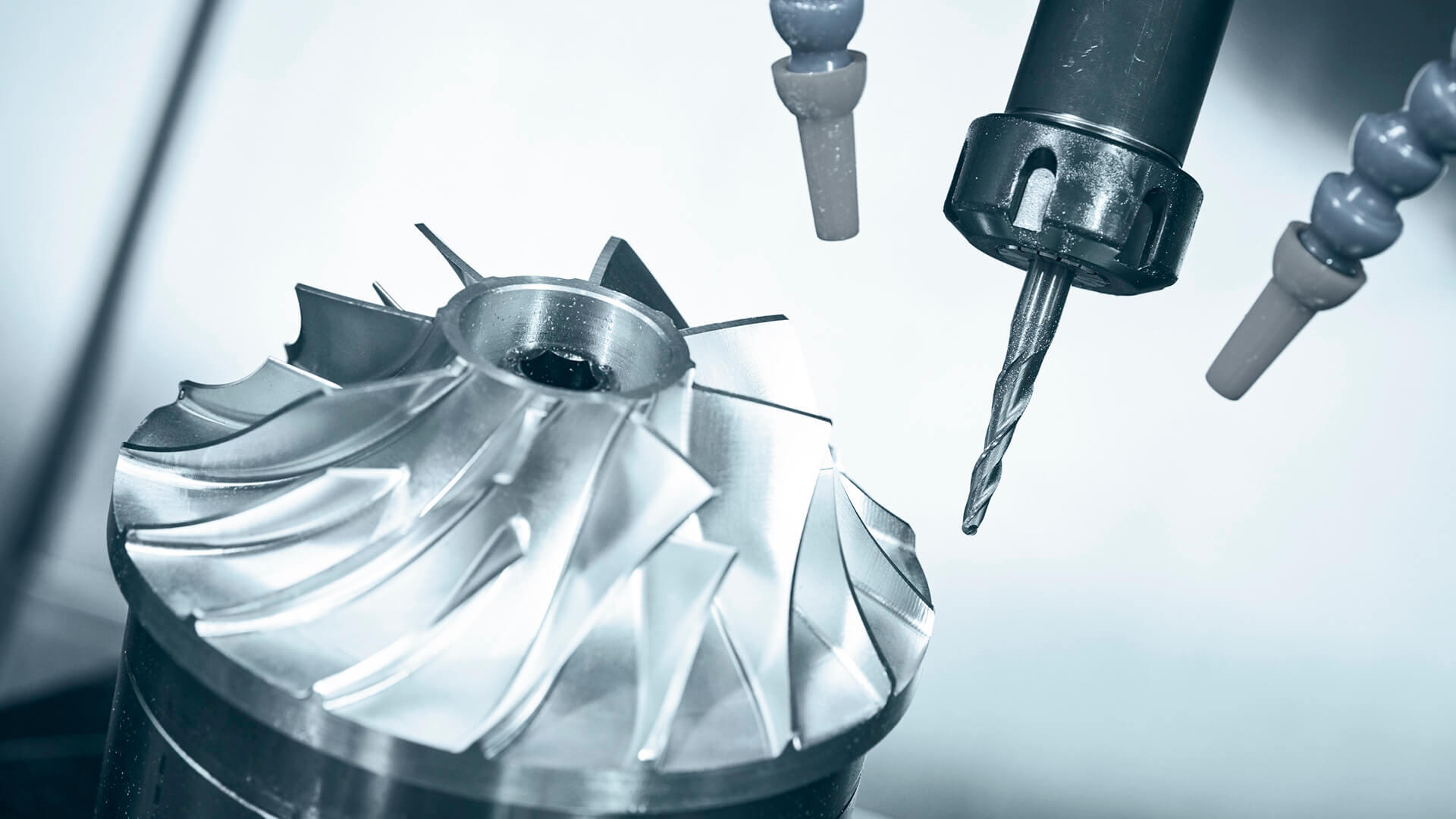
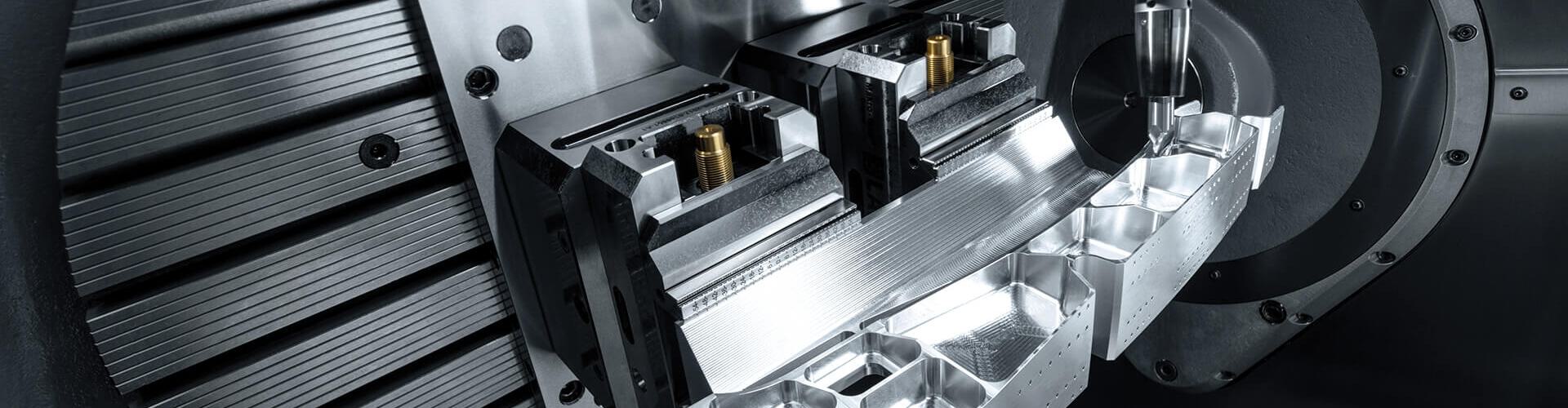
5-axis simultaneous milling quickly and efficiently produces high-quality surfaces unlike any other milling method. Tebis CAM software lets you tap into the full potential of your valuable high-performance machines: Collision-free programs can be easily configured and calculated for all multi-axis machining operations. Homogeneous toolpaths with low tool wear and checked for tilt direction are automatically generated.
EasyFeatures for special manufacturing tasks • Mill between vectors • Interactively optimize tool direction • Integration of all roughing and finishing strategiesFastCombine all the required machining types in 5-axis CAM programming • Optimal support for modern high-performance toolsSafeCollision checking during CAM calculation • Complete check of all milling machines, including robotsWhite paper: 5-axis simultaneous milling
Multi-sided machining with positional axis? Or do you prefer 5-axis simultaneous milling?
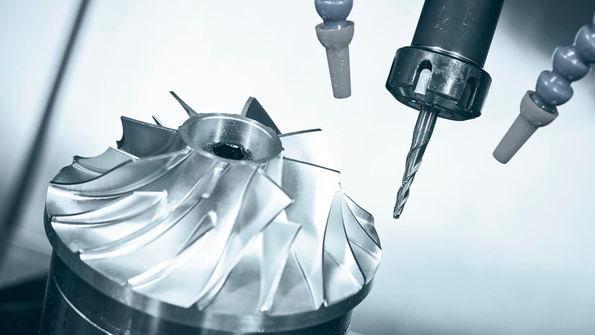
Whether a part should be milled using 5-axis simultaneous methods or positional methods depends on the specific machining task, the complexity of the part, and the machine kinematics.
Are you still wondering whether machines for 5-axis simultaneous machining make sense for you? Or are you already using multi-axis machines and believe you can get even more out of them? If so, you’re not alone: According to a survey, 62 percent of respondents with multi-axis machines don’t believe they’re exploiting the full potential of their machines.
We compared the advantages and disadvantages. Read our white paper.
Highly flexible 5-axis milling: Targeted control of machine and tool movements
One of Tebis’s special strengths is that it lets you specifically control machine and tool movements depending on the machine type, part geometry, and machining task. For example, you can clamp individual axes, use guide elements and lead angles, or define vectors.
The benefits of 5-axis CNC milling for you
- Homogeneous machine movements
- Optimal cutting conditions
- High surface quality
- Shorter machining times
- Longer tool service life
The options for optimizing machine movements are integrated directly into your 5-axis simultaneous milling production solutions – no additional modules required.
Control pivot and rotation axis
Movements of the pivot and rotation axis can be controlled with no extra design effort. For example, an axis can be fully clamped, and the movement of the second axis can be interpolated between two angles. Movement can be interpolated in the milling direction or path direction.
Control tool direction with guide elements or lead angles
You can systematically control the tool direction with guide elements in 5-axis simultaneous surface finishing. Movement is interpolated between the stepover direction and the guide element or between the milling direction and the guide element based on your inputs. In the first case, the tool direction remains constant in the milling direction, and in the second case it remains constant in the stepover direction. As an alternative, you can also interpolate in both directions.
In all 5-axis milling strategies, you can also specify a lead angle. A tool with a lead angle always moves in the cutting direction of the toolpath; an upward cut and optimal cutting conditions are guaranteed.
Milling between vectors
Specify any number of vectors between the parts to be milled. The selected vectors determine the movement of the tool. You can optimize tool movement during programming: You can verify the tilt direction with the integrated preview functionality and adjust it interactively.
5-axis simultaneous machining created automatically from 3+2-axis machining
In 5-axis simultaneous avoidance milling, programs for simultaneous 5-axis milling with optimal axial positions are generated automatically from 3+2-axis NC programs with fixed positional axes.
Avoidance milling is especially appropriate for collision avoidance: Collisions are detected and avoided simultaneously in 5 axes during calculation. Of course, the machine kinematics and the precise geometry of the machine head are fully accounted for.
This enables outstanding machining of electrodes and parts with deep cavities, for example, with short tools.
Even less experienced users can use 5-axis milling to create complex collision-checked CAM programs with just a few mouse clicks.
In 5-axis simultaneous avoidance milling, potential collisions with the machine head are prevented automatically.
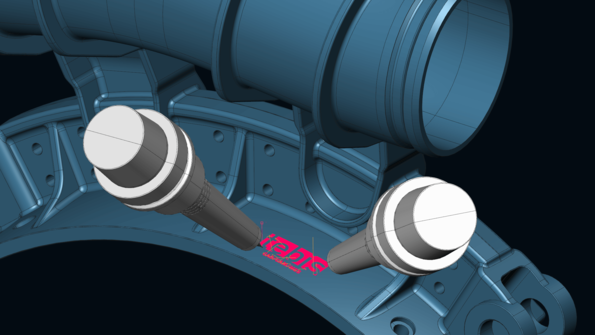 Collision avoidance can also be used for areas that require frequent changes in orientation. Manufacturing at a fixed tilt direction often sacrifices surface quality due to unfavorable cutting conditions. For complex, highly visible surface areas, it is necessary to smooth the toolpath using dynamic 5-axis tool movements.
Functions of 5-axis CNC milling for special manufacturing tasks
NC programming of milling paths for simultaneous 5-axis milling is easy to learn in Tebis: It largely corresponds to 3D programming. Tebis programmers who’ve previously generated 3-axis toolpaths can learn very quickly how to work with 5-axis milling programs.
Tebis provides multiple features for programming toolpaths for simultaneous 5-axis milling. Each feature is tailored for special machining tasks and only contains the parameters needed for that operation.
- Milling curves: Face and side milling curves
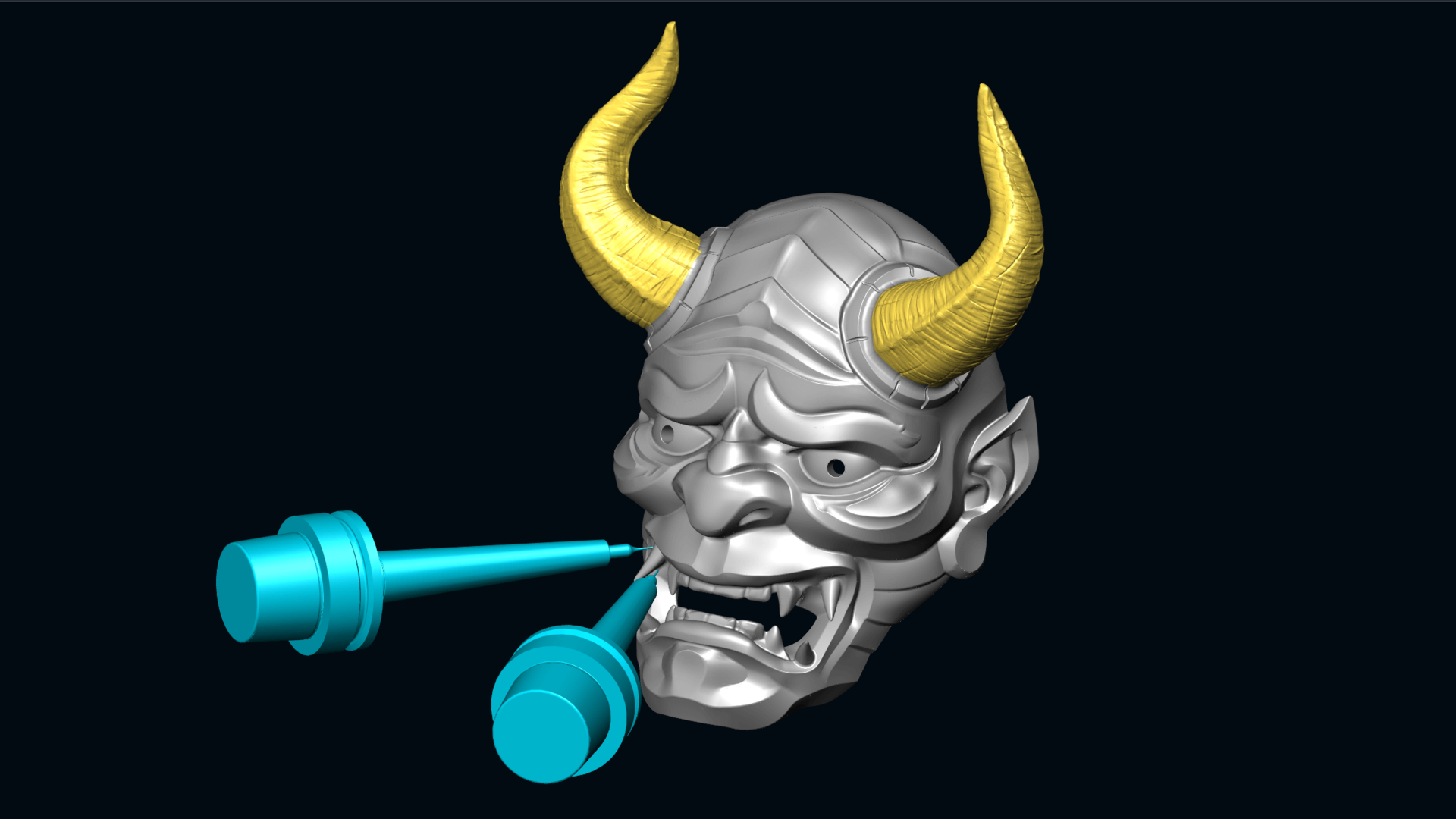
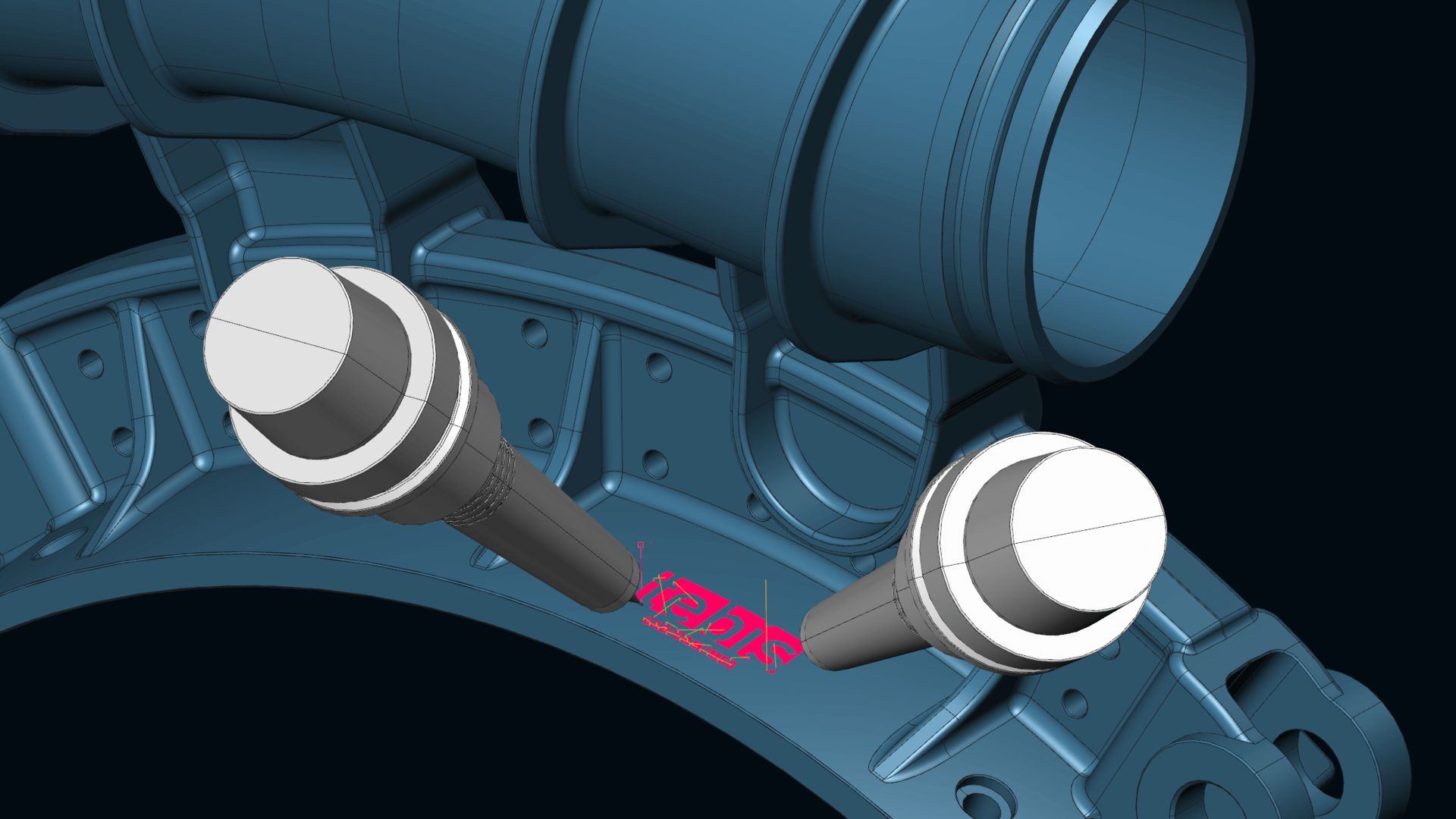
- Multi-axis engraving
- Roughing contours: 5-axis side milling roughing of planar and constant-curvature flank surfaces
- Finishing contours: 5-axis side milling finishing of planar and constant-curvature flank surfaces
- Roughing surfaces: Adaptive or contour-parallel roughing of free-form surfaces
- Finishing surfaces: HSC milling with any tool type
- Face milling surfaces: HSC face milling of simple and complex free-form surfaces with a lead angle
- Side milling surfaces: 5-axis milling of complex free-form surfaces
- Roughing pockets: Adaptive or contour-parallel roughing of free-form pockets
- Radial roughing: Roughing of rotational parts
- Multi-axis deburring