-
CNC turning
Safe and efficient with flawless virtual simulation
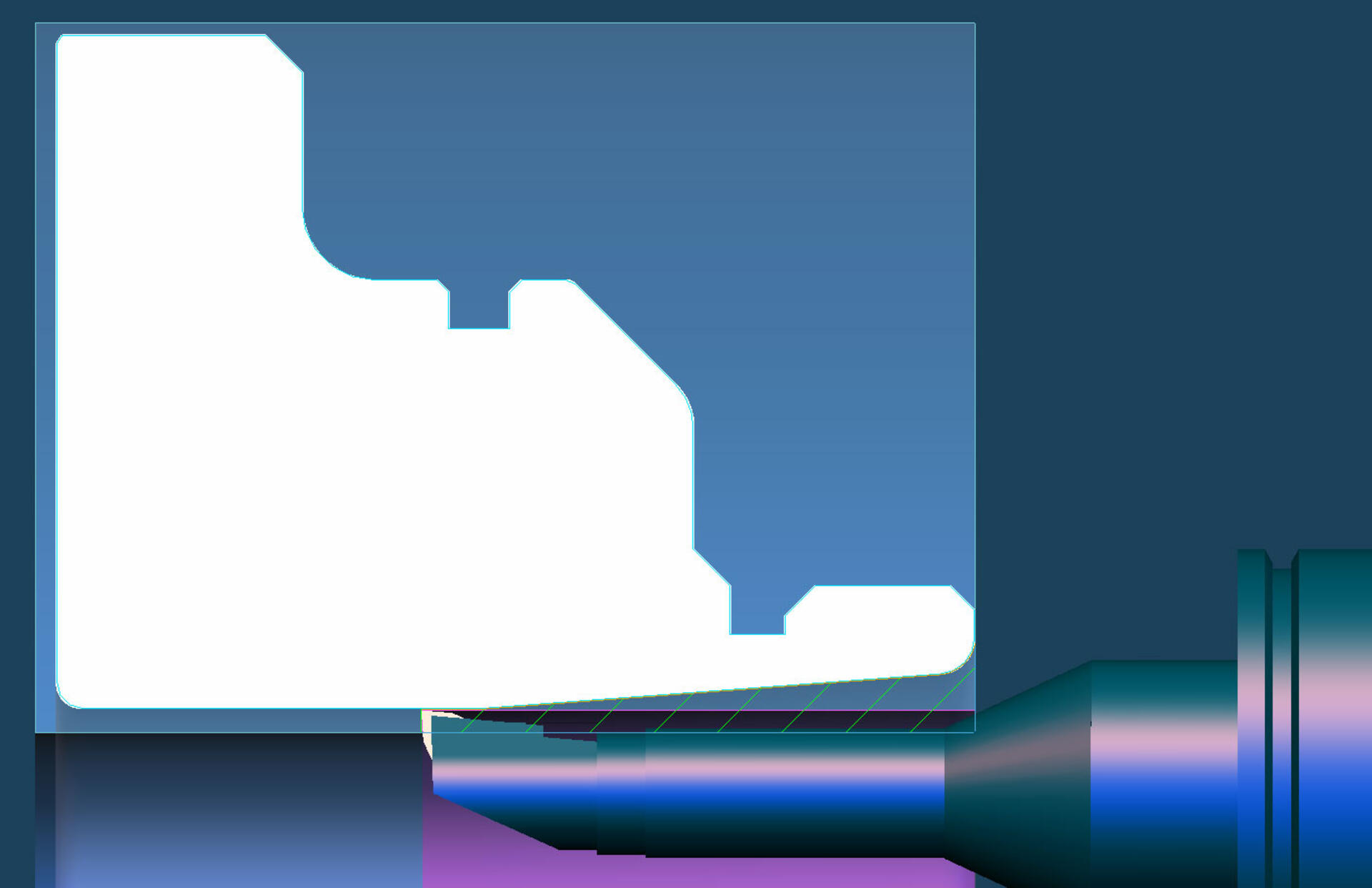
Utilize the fully digital Tebis manufacturing environment to create CNC turning programs, ensuring fast and reliable manufacturing of both simple and complex parts.
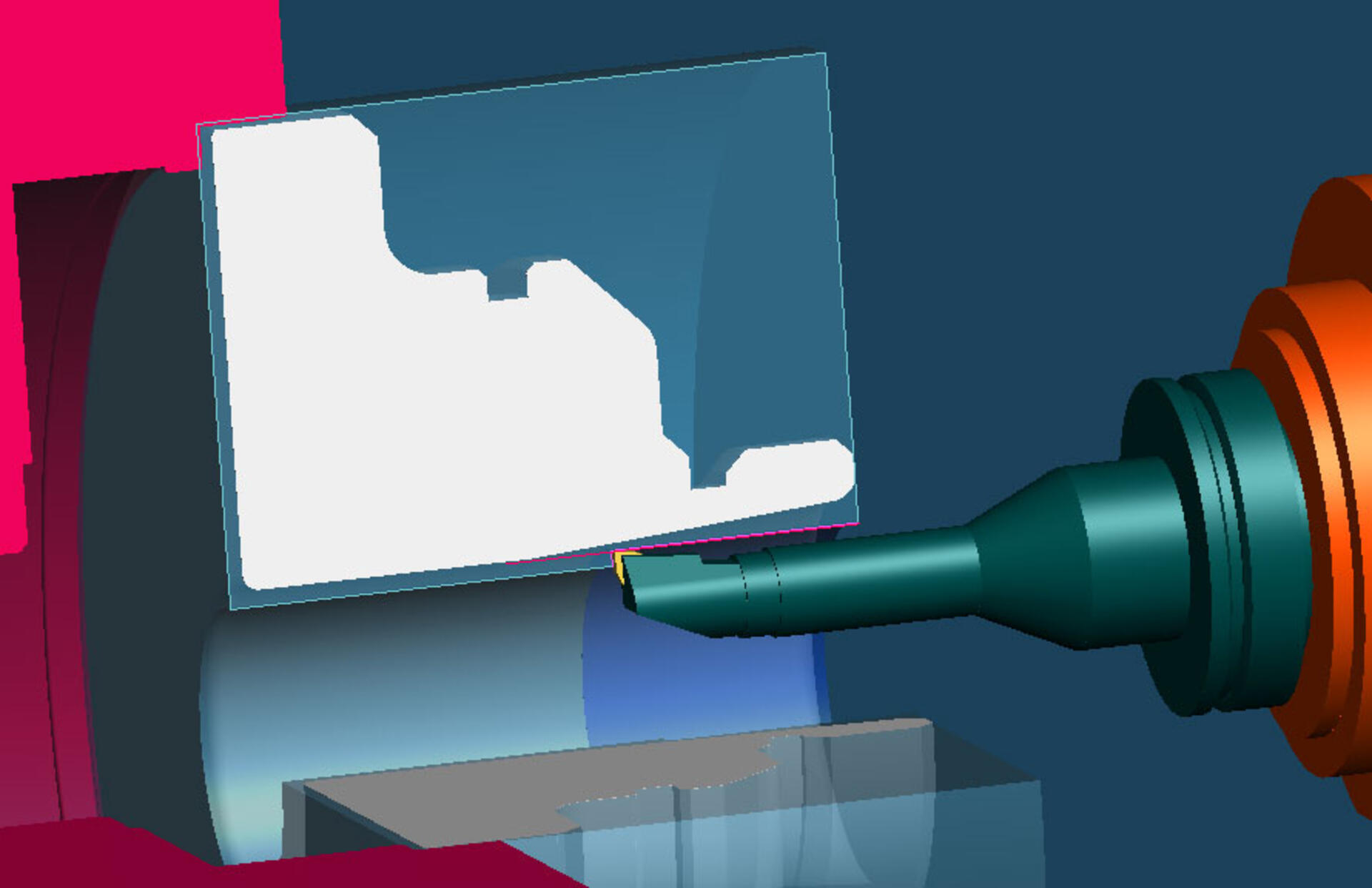
Tebis accommodates a diverse range of parts and machine types. For example, leverage interpolation turning to manufacture symmetrical part areas seamlessly on milling machines without rotary axes, eliminating the need for reclamping.
With models of the blank, workpiece and tool assembly serving as the foundation for every calculation, from cutter to tool holder, you’ll have access to collision-checked CNC programs for enhanced safety. Plus, by creating and verifying CNC programs outside the NC control, your machines can maintain continuous operation, capitalizing on the exceptionally high material removal rate during turning.Time savingsShorter programming and manufacturing timeProcess safetyMaximum safety thanks to collision avoidance, even in programmingEfficiencyEffective strategies for roughing, finishing and plunge milling with controllable chip formation and minimal positioningAutomationHigh level of automation with flexible templates – also for machine units and control propertiesInterpolation turning: An emerging manufacturing method
Manufacture symmetrical part areas up to 80% faster
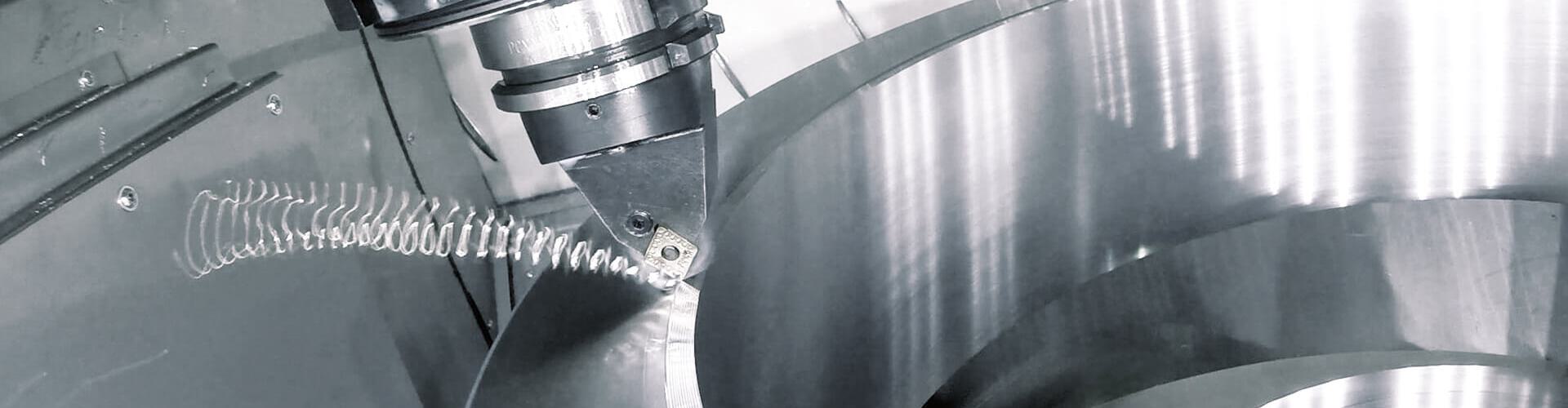
While interpolation turning may not be as widely recognized, it stands out as a highly efficient method for machining symmetrical part areas. In this process, the part holder remains rigid while the cutting movement follows a spiral path in the X, Y and Z directions around the part geometry’s axis of rotation.- For manufacturing on milling machines, even without a direct-drive rotary table. Users should have the capability to switch the machine's main spindle to position-controlled operation and control it like a rotary axis.
- For manufacturing geometry elements like seals and connections on turn-milling machines. Machining is tilted from the turning center.
- Including off-center turning: Particularly suitable for manufacturing eccentric turned parts.
See for yourself:
The advantages of interpolation turning at a glance:
- Outstanding for combined manufacturing of symmetrical and non-symmetrical areas
- Turning is faster than milling
- No reclamping necessary
- Turning tools are generally less expensive than milling tools
- Tool life is longer
- Constant cutting conditions, no vibration: Outstanding surface quality
- Complete programming of all NC machining operations in a single CAD/CAM application: Learn it once, verify it once in the virtual environment, and generate a single NC output.
Proven 80% faster in practice: ACTech GmbH
ACTech GmbH frequently manufactures complex parts that lack full rotational symmetry but feature certain geometric elements that are rotationally symmetrical. Historically, these areas have been machined using 3- and 5-axis simultaneous milling techniques.
ACTech is now benefitting from all advantages of interpolation turning on milling machines.- It reduced the machining time for these areas from an average of 50 to 10 minutes. That's a time savings of 80%.
- Instead of ground tools costing an average of 800 to 900 euros, simple turning tools with a long tool life are now used
- In the past, the surfaces often had to be manually reworked, but this is no longer necessary. In interpolation turning, the cutter is continuously in use and high surface quality is ensured.
(source: Dipl.-Ing. Georg Sandig, Head of Machining, ACTech GmbH)
Example application of combined machining
Turning a spiral mandrel
This video shows the turning of a complex spiral mandrel in tool steel. Many roughing, finishing and plunge milling operations are quickly and effortlessly programmed, complete with collision checking, enabling the machine to operate efficiently. Here we’re using a milling/turning machine, because extensive milling and drilling operations are also required to complete the part.
Functions
Comprehensive strategies for CNC turning
 Low tool wear and highly efficient adaptive turning without full-cut machining
Tebis has all the necessary functions for longitudinal, planar and contour-parallel CNC turning of contours and grooves and for end-face drilling – including off-center. You can just as easily prepare CNC programs for turning cylindrical, tapered and planar threads. Tebis automatically detects whether areas need to be turned from the inside or outside.
- Interpolation turning
- Off-center drilling
- Vertical/side/contour-parallel plunge grooving
- Inside turning
- Axis-parallel/contour-parallel/adaptive turning
- Thread turning
- Planar turning
- Pulling cut
- Manual programming
Maximum safety with collision checking
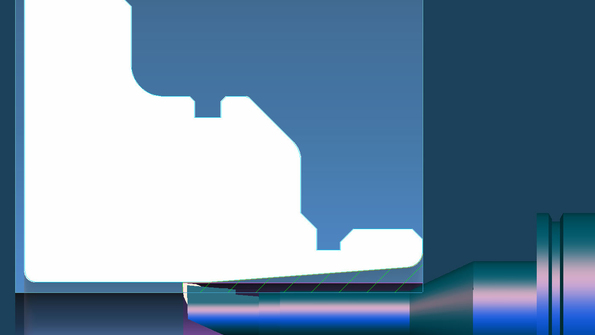
If an area can’t be fully turned with a single tilt direction, multiple tilt directions can be defined during CNC programming, allowing machines to operate continuously. Tebis automatically adjusts corresponding areas if a collision between a tool assembly and the part is detected during CNC turning, thereby generating collision-checked CNC programs for turning.
Short manufacturing times thanks to efficient toolpaths
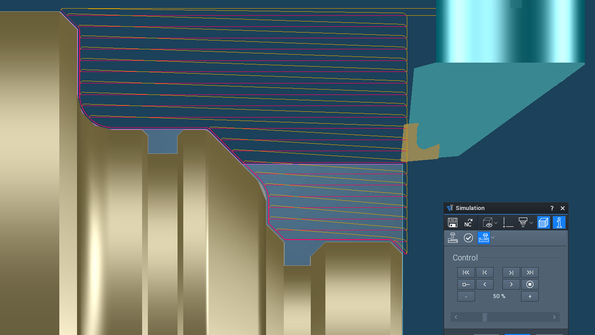
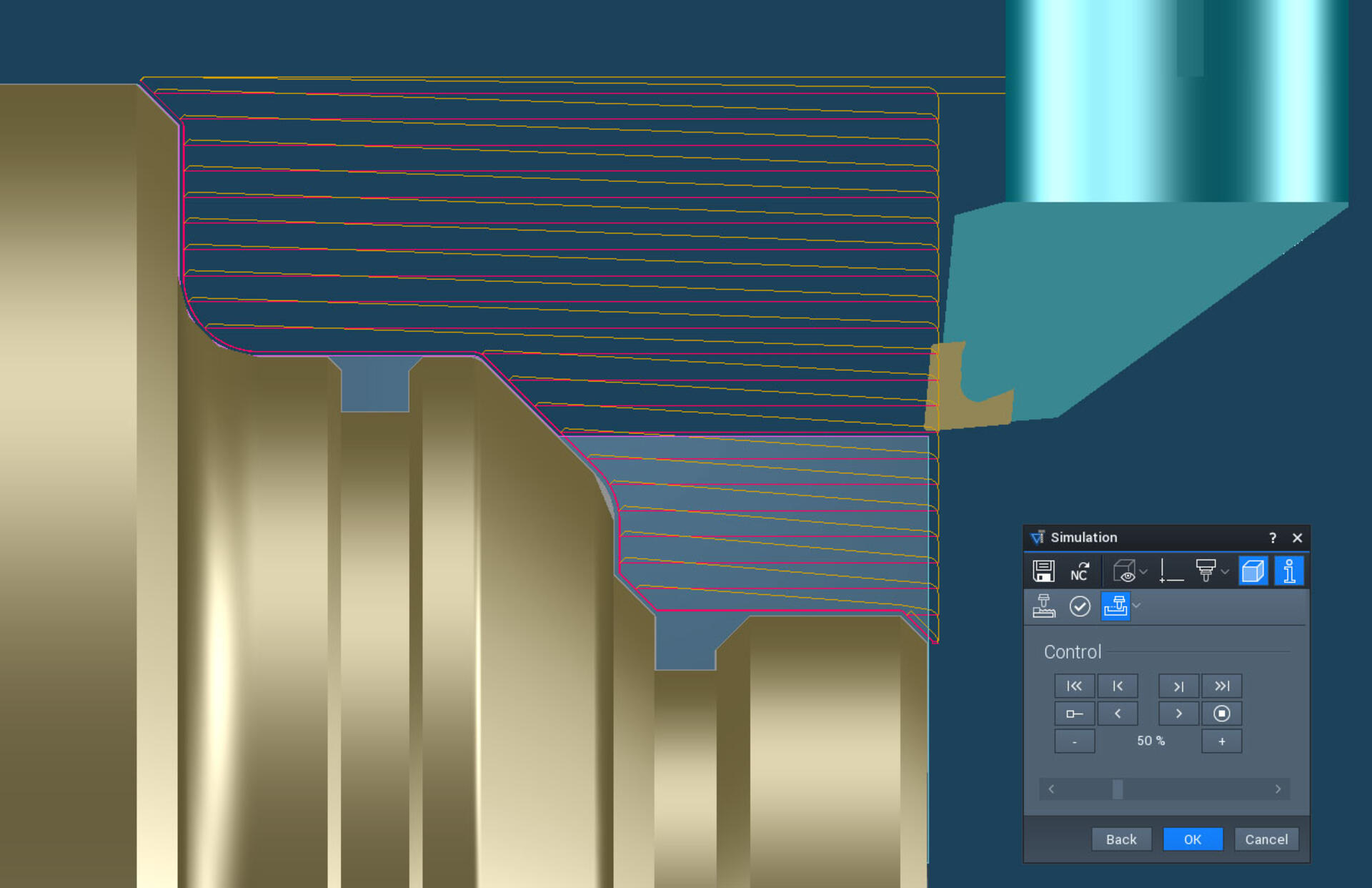
In CNC turning, you have the option to program positioning movements with the shortest possible path, reducing the time needed for retracts and stepovers. Automatic collision checking ensures the safety of your processes. Additionally, if desired, you can integrate a finish cut during roughing to eliminate residual material steps between the roughing paths.
Chip control and full-width cut detection
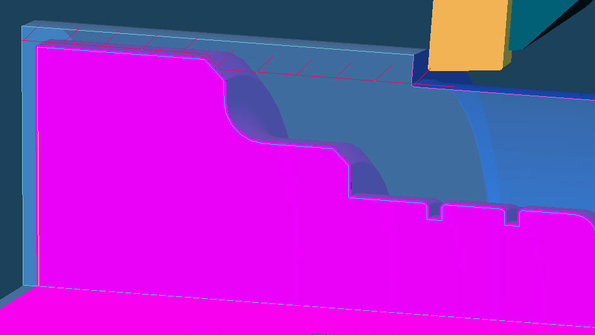
In CNC turning, you have the ability to pause the operation after a custom-defined path length. This facilitates timely chip breaking, particularly when working with soft and ductile materials like copper and aluminum. This allows you to turn various materials at high speeds while maintaining the precise cutting parameters. Additionally, full-width cut detection during plunge milling extends the lifespan of the cutter. You have the flexibility to choose the action to take when the cutter is in full contact, such as chip clearance or retracting at the feed rate.
Turning with convenient part cutoff
Parts can be cut off from bar stock using a special function for automated machining on lathes and turn-milling centers. You can quickly and easily define the optimal cutting conditions for the feed rate and speed upon material exit. You can easily cut the part off straight and finish its contour at the same time without having to design any auxiliary geometry. You can deburr the part and turn the bar side flat during cutoff. This allows you to immediately manufacture the next part with the bar stock. The cut-off part can be transferred to the second spindle or taken up by the part gripper/catcher – automatically controlled and reliably simulated.
Manage machine parameters for NC output
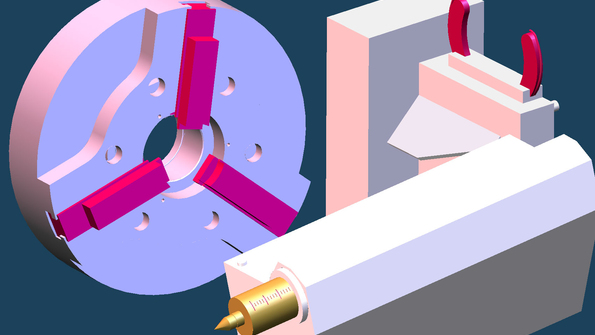
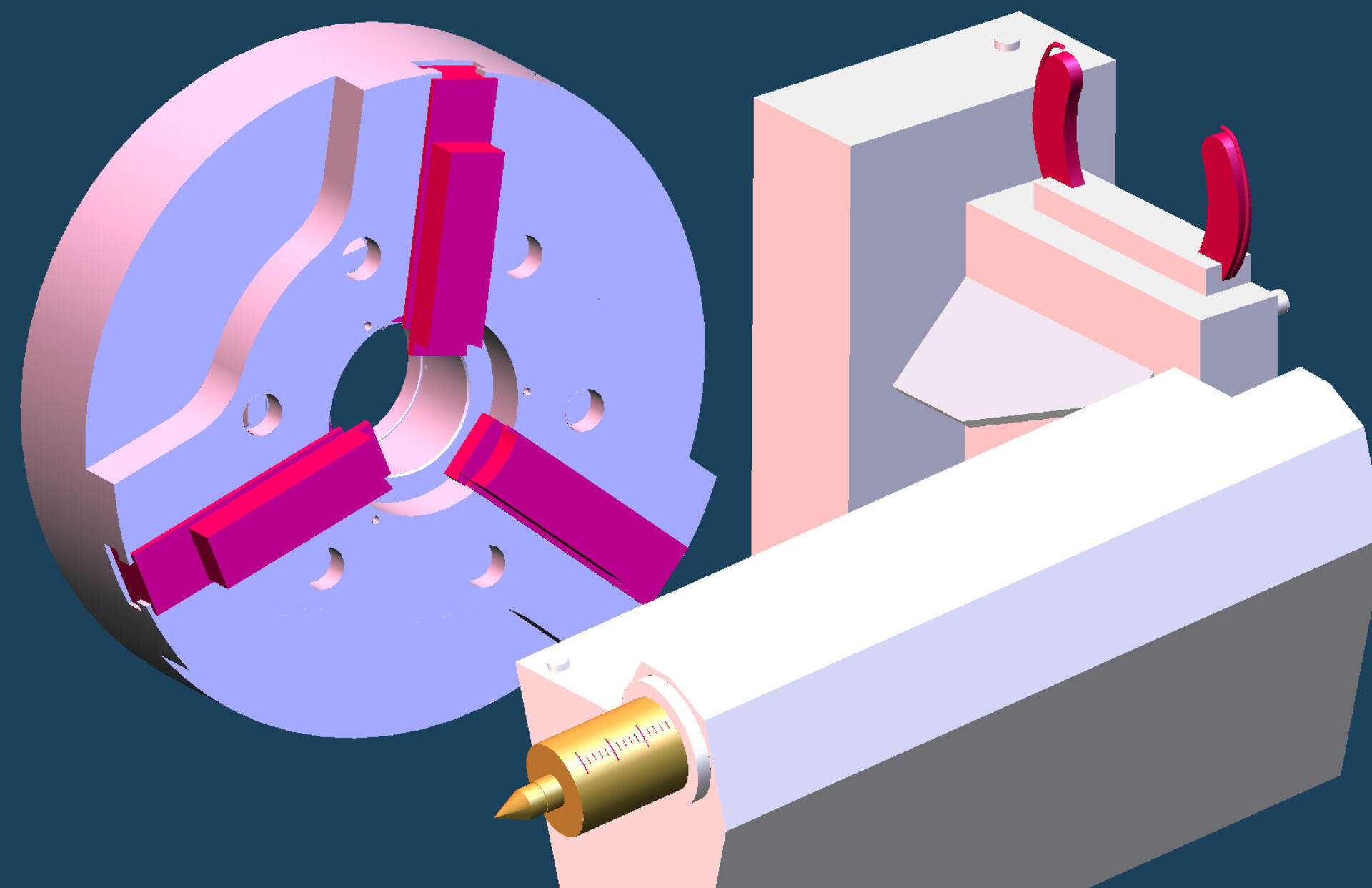
It’s best to define where in the CNC program machine components like clamping elements, tailstocks with quills or steady rests open or close during CNC programming. This spares you from making time-consuming adjustments on the machine. This is controlled in the Tebis Job Manager in the same way as the entire CNC automation for turning with templates.
Material tracking for manufacturing progress and simulation
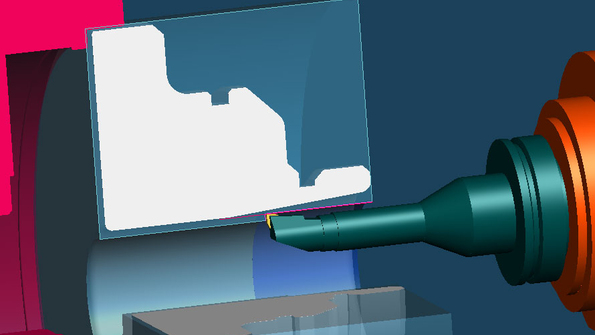
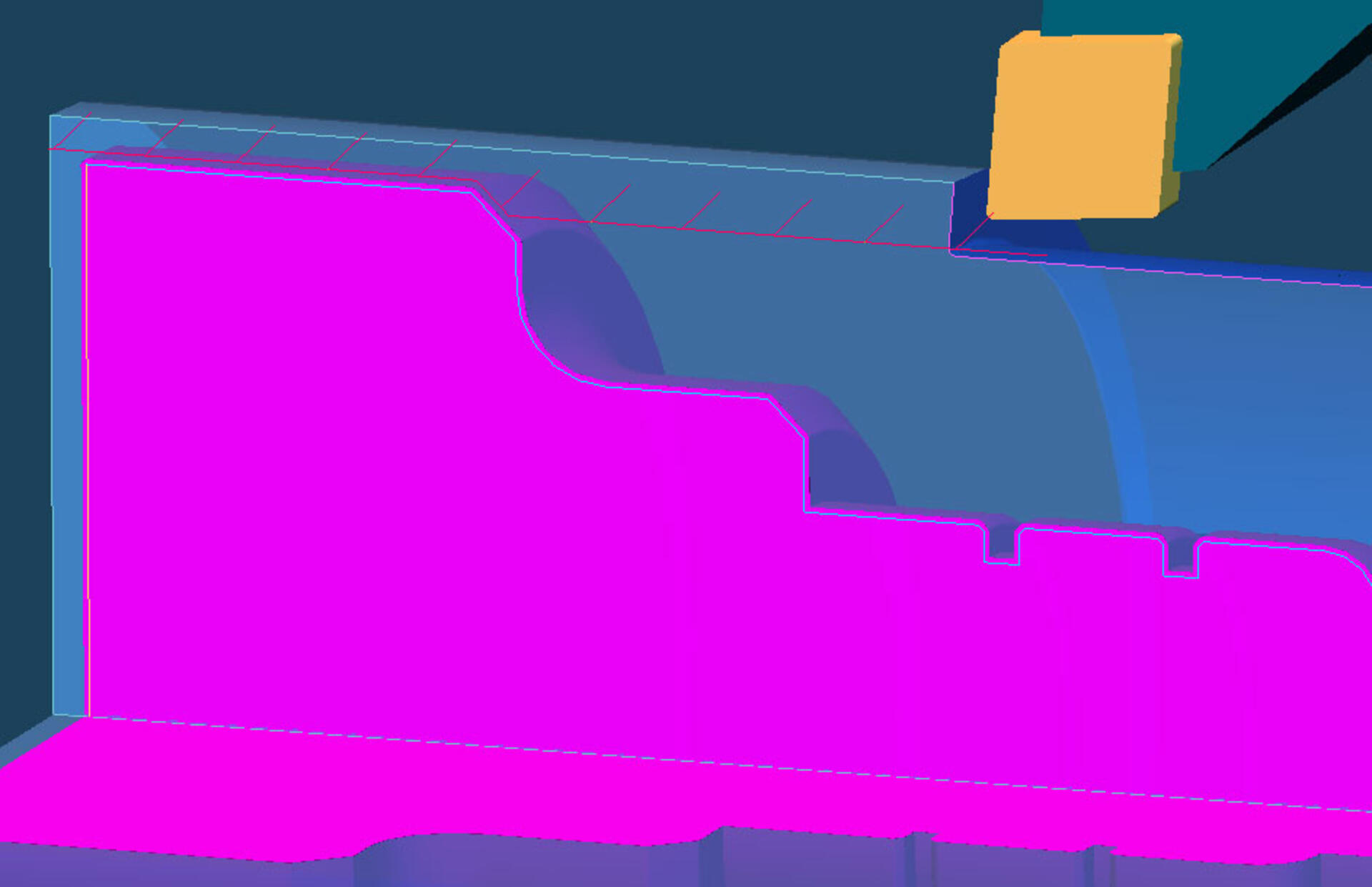
Tebis uses a blank model to determine the location of the material to be machined during CNC turning. With material tracking activated, the blank is updated in real time following each cut. This allows you to visually follow the manufacturing progress at all times and realistically simulate all turning operations.