

Highlights of Tebis 4.1
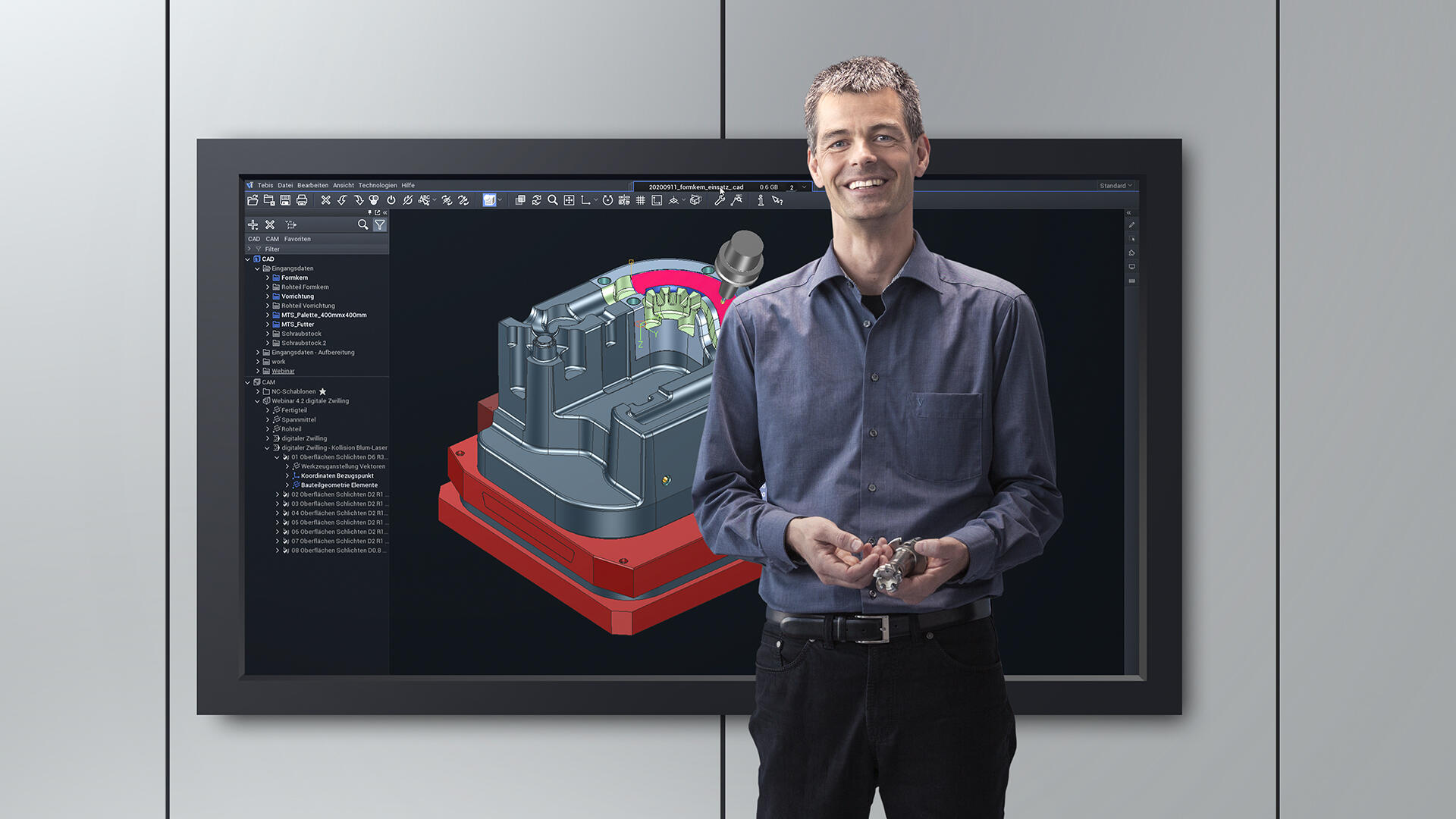
Tebis 4.1 creates a lot of room for automation and extensions – and I'm looking forward to that. These are also important factors that help us keep up with and drive the digital transformation in our industry in the future. Why am I excited about Tebis 4.1 and why do I recommend it? Here are my Top 5 reasons, with some examples and results.
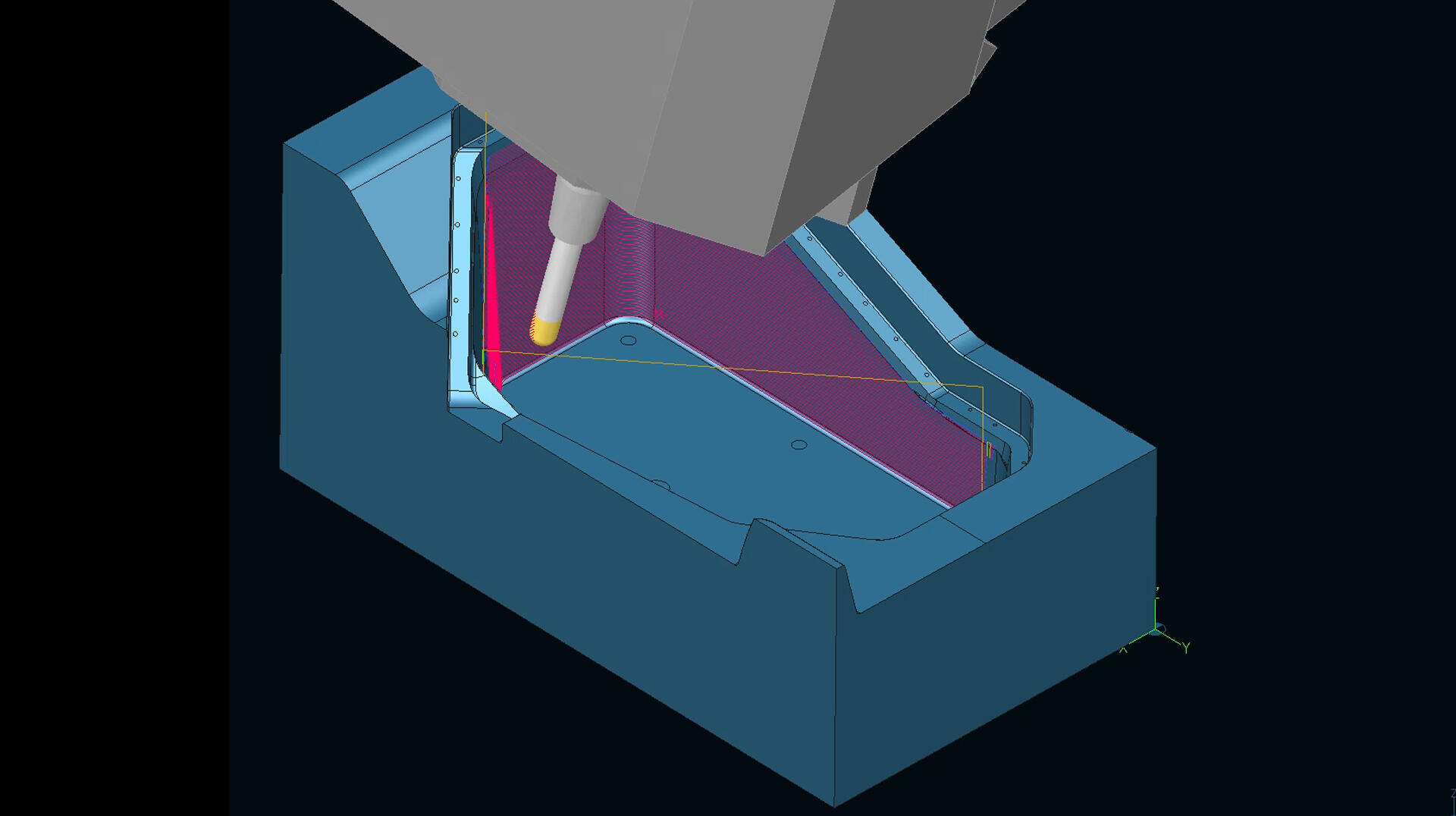
1. Significantly higher computing performance
NC calculations are at least 15 percent faster, and there’s even up to 25 percent time savings depending on the part. My colleagues have explored this in Tebis 4.1 with a wide range of workpieces. We all feel that it’s something to be proud of – and it adds up, especially in day-to-day work.
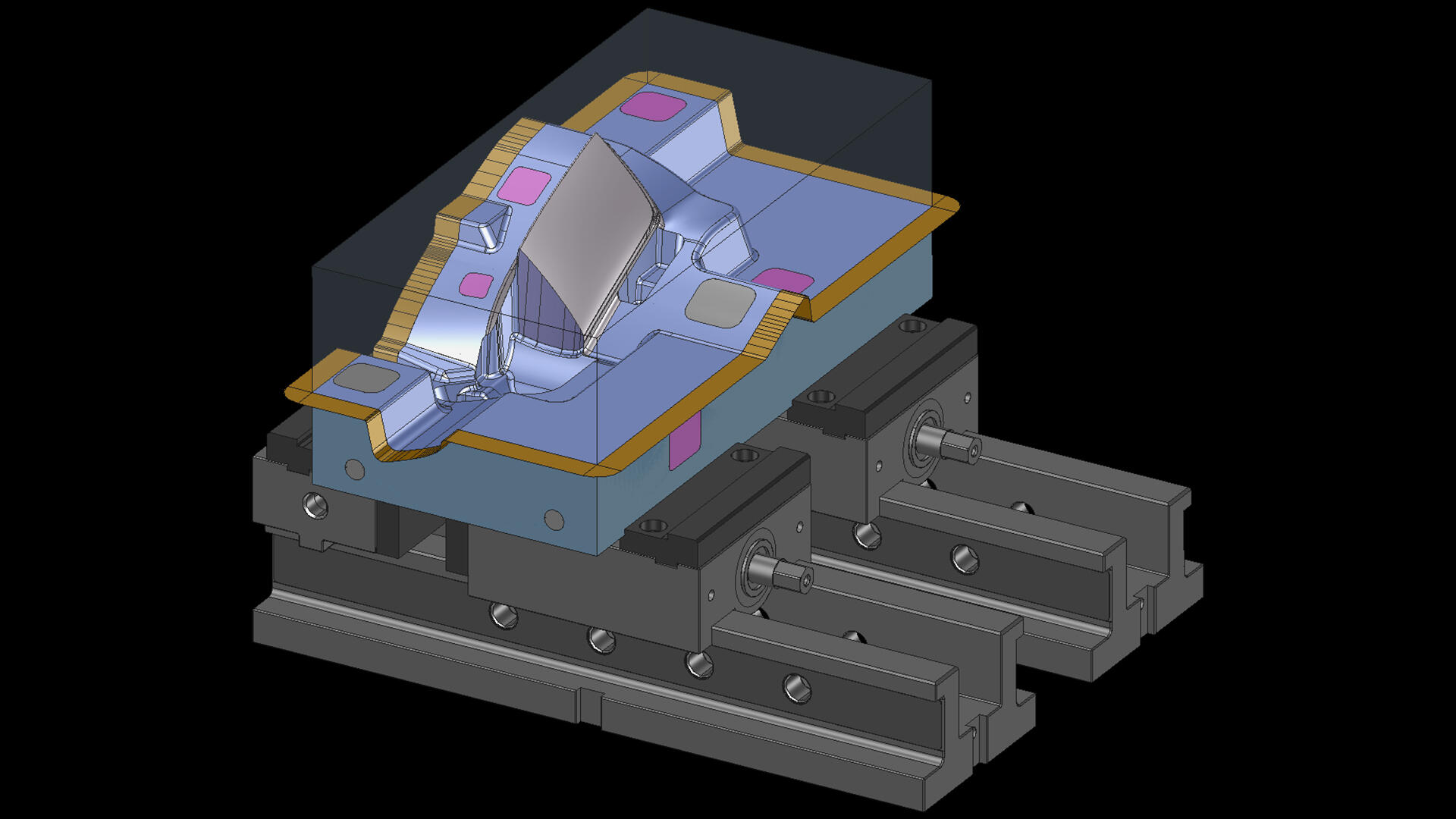
2. Automation in manufacturing preparation
Save time with CAD templates. Several Tebis colleagues have worked through various instances of this, and they estimate a very large time savings: more than 50 percent, depending on the part class. Even if this is just an estimate: The fact is that you can definitely save time with CAD templates and automation in Tebis 4.1. Designers and programmers in particular benefit, because they don’t always have to start from scratch when preparing CAD data. And you can also intervene where necessary, for example, with complex parts. Repetitive and routine tasks like geometry analyses, creating auxiliary geometries, designing blanks or positioning clamping devices can now be automated. Once the templates have been established in the correct sequence, essentially any colleague can take over data preparation with zero errors.
Motto: Just change it instead of deleting and starting over. The new parametric design makes it possible to quickly change design elements by establishing dependencies. The best part is that once this is done, the finished part is automatically modified. The connection to automated manufacturing preparation via your NC templates also simplifies the work for NC programmers. Changes in the manufacturing design are simultaneously implemented in the CAM area and are displayed immediately. At the beginning, I said that "CAD and CAM are brought closer together," and this is also true in my next point.
3. Work on a higher level in the object structure instead of down in the NC program
Better overview, better traceability and faster navigation
The new structure tree gives you a full overview of everything from CAD to CAM. The structure tree now includes a CAD branch and a CAM branch. You can trace the creation history at any time in the CAD branch, and the Job Manager is provided in the CAM branch. This allows you to view CAD elements and access CAM information immediately. Conversely, you can see the element assigned to CAM machining directly in the CAD branch.
What I find especially relaxing: There’s no more annoying showing and hiding layers and no constant manual synchronization of layers and the NC Job Manager! I find working with an object structure for similar parts to be extremely convenient. If you import a component there, it’s automatically integrated into the structure with all the bells and whistles.

4. Practically oriented updated user guidance
Structured, intuitive work in the software
We based the new user guidance on the logical procedures of designers and programmers. This has many practical advantages. I hear very often that milling strategies can be changed more quickly: It's not necessary to repeatedly input the same parameters. For example: You want to transfer the parameters from a 3D surface roughing operation to 2.5D finishing of a pocket while keeping the same lateral stepover. Changing modules between 2.5D, 3D, and 5-axis machining is also very user-friendly.
My team's experience is that Tebis 4.1 is easier for new employees to learn. This is especially advantageous where employees change positions frequently or in the event of absences due to illness. Last but not least, there’s also the shortage of qualified personnel. The clear structures in Tebis 4.1, logically structured user guidance, standardized system-wide designations, traceable work steps, possible automation – it all helps employees learn to use the software more quickly. Clear requirements and guidance in dialogs make it easier to implement existing workflows without errors.
5. Faster virtual clamping and trouble-free setup
Plan and implement manufacturing procedures more efficiently
Extended process library: You can now manage clamping devices just like your tools. This spares your users from tedious importing or time-consuming setup. Use the filter function to automatically change or combine appropriate elements. Individual tests have shown that virtual setup in Tebis 4.1 takes roughly 50 percent fewer clicks than before. This may vary from one user to the next, but I was also pleased to note there was less clicking around with the mouse.
Our new clamping device library manages the vises or zero-point clamping systems as virtual twins. This is extremely safe, because they include all the data needed for safe and fast production. Tebis 4.1 even automatically positions the right clamping devices at the right place based on predefined connection points. Everything is documented, giving the manufacturing department a safe handle on all clamping situations on the real machine.


Our blog author:
